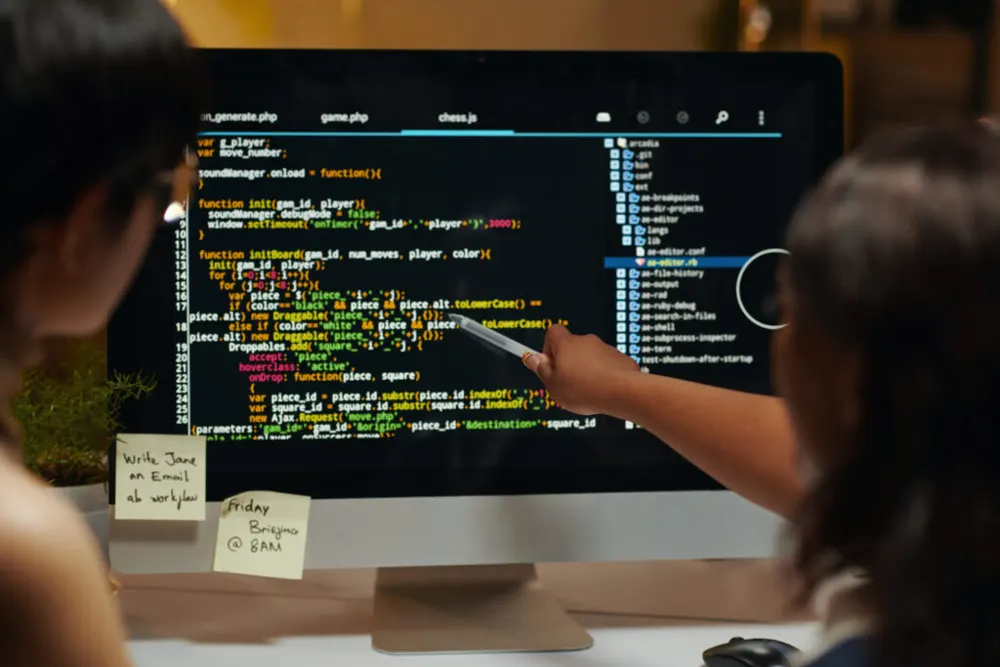

Summary: Many Indian businesses still depend on software built decades ago. Modernising it carefully protects years of data while opening the door to mobile access and integrations.
FoxPro, Visual Basic 6 and old desktop applications still run billing, inventory and production in many companies. They work — until the one person who understands them leaves, or a Windows update breaks something.
Signs it is time to modernise
- Only one person can maintain the software
- It runs only on old computers or operating systems
- No remote or mobile access
- Integration with payment, SMS or WhatsApp systems is difficult
- Data backups are unreliable
A careful approach
- Document the current system: screens, reports, rules and data.
- Talk to users: understand what they rely on and what frustrates them.
- Migrate data: clean and transfer historical records.
- Rebuild in phases: module by module, starting with the most critical.
- Run in parallel: keep the old system running until the new one is proven.
Keep familiar workflows
Users are used to keyboard shortcuts and screen layouts. Where sensible, keep familiar workflows to ease the transition.
Choose maintainable technology
Modern web frameworks with good documentation and wide developer availability reduce future risk.
FAQs
Will we lose old data?
Not with proper migration and verification.
How long does modernisation take?
Depends on the size of the system; phased approaches spread effort.
Can the new system work offline?
Yes, if needed, with local caching and sync.